









Beginner Tips for Taking Better Phone Photos
Taking great photos with your phone is easier than you might think. Whether you’re capturing moments with friends, nature, or everyday scenes, a few simple tips can help you take better pictures and make your photos stand out. This guide offers beginner-friendly advice to help you get the most out of your phone’s camera.
Understanding Your Phone Camera
Before diving into tips, it’s important to familiarize yourself with your phone camera’s features. Most smartphones come with a range of settings and modes that can enhance your photos, such as:
– HDR (High Dynamic Range): Helps balance the light in your photos, especially in scenes with both bright and dark areas.
– Focus and Exposure: Allows you to control which part of the photo is sharp and how bright it is.
– Gridlines: Helps apply the rule of thirds, a basic composition technique.
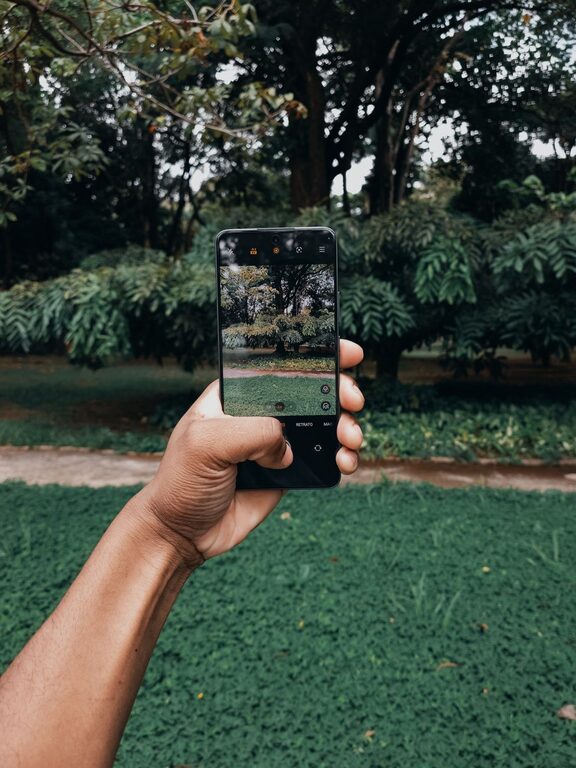
– Portrait Mode: Blurs the background to highlight the subject.
Take a few minutes to explore your camera app and see what options are available.
Tip 1: Keep Your Lens Clean
A simple but often overlooked step is to keep your phone’s camera lens clean. Dirt, fingerprints, and smudges can make photos appear blurry or hazy.
– Use a soft microfiber cloth to gently wipe the lens.
– Avoid using harsh chemicals that could damage the lens cover.
Tip 2: Focus on Your Subject
The key to a great photo is a sharp focus on your main subject.
– Tap the screen where you want to focus before taking a picture.
– This will also help your phone adjust the exposure for that area.
– On some phones, you can lock the focus by pressing and holding the screen, which is useful if you’re taking multiple shots of the same scene.
Tip 3: Use Natural Light Whenever Possible
Lighting is everything in photography.
– Aim to take photos in natural light for the best results.
– Early morning and late afternoon offer soft, warm light known as the “golden hour.”
– Avoid harsh midday sun that can cause strong shadows.
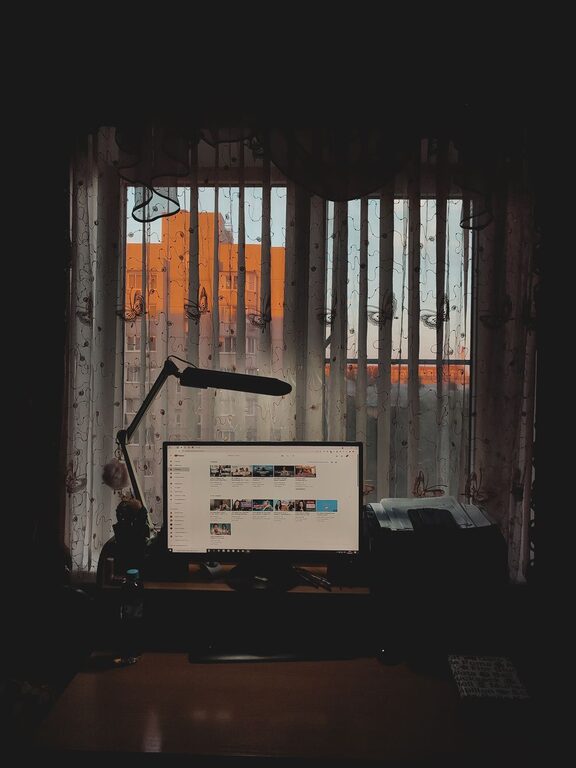
– If you’re indoors, position your subject near windows to make the most of natural light.
Tip 4: Steady Your Shot
Blurry photos often result from camera shake.
– Hold your phone with both hands for stability.
– Lean against a solid object like a wall or table if you need extra support.
– Some phones have image stabilization features; ensure they are enabled.
– Alternatively, use a small tripod designed for smartphones.
Tip 5: Experiment with Composition
Good composition can transform an average photo into something special.
– Enable gridlines in your camera settings to use the rule of thirds.
– Place your subject off-center to create balance and interest.
– Look for leading lines, such as roads or fences, to guide the viewer’s eye.
– Include foreground elements to add depth.
– Don’t be afraid to try different angles—get low, shoot from above, or try side perspectives.
Tip 6: Adjust Exposure Manually
Sometimes your phone’s automatic settings may not get the brightness right.
– After tapping to focus, look for an exposure slider or sun icon and slide it up or down to brighten or darken the photo.
– This is especially helpful when shooting scenes with both bright and dark areas.
Tip 7: Avoid Digital Zoom
Zooming in on your phone often reduces image quality.
– Instead of zooming, move closer to your subject if possible.
– If you want a closer shot without quality loss, consider using a phone with multiple lenses or an external clip-on lens.
Tip 8: Use Editing Apps Wisely
Editing can enhance your photos, but it’s best used to improve rather than fix a poor shot.
– Use apps like Snapseed, Lightroom Mobile, or VSCO to adjust brightness, contrast, and cropping.
– Avoid over-editing, which can make photos look unnatural.
– Simple tweaks often make the biggest difference.
Tip 9: Shoot in Landscape for Wider Scenes
For capturing more of your surroundings, hold your phone horizontally.
– Landscape orientation works well for nature, architecture, and group photos.
– Portrait orientation is better for tall subjects like people.
Tip 10: Practice Regularly
Like any skill, photography improves with practice.
– Take photos often to learn what works.
– Review your photos and think about what you like or what could be better.
– Try different styles and subjects to find what inspires you.
Bonus: Explore Your Phone’s Advanced Features
If you feel comfortable, explore features like:
– Pro or manual mode: Allows you to control shutter speed, ISO, and white balance.
– Burst mode: Captures multiple shots quickly, great for action.
– Panorama: For wide scenic photos.
These tools can add creativity once you’ve mastered the basics.
—
By following these beginner tips, you’ll start seeing a noticeable improvement in your phone photos. Remember, the best camera is the one you have with you, and with a little care and creativity, your phone can capture beautiful memories that last a lifetime. Happy shooting!